Developer Productivity Tools: 12 Options for 2026
Choose tools by the bottleneck they remove, the evidence they produce, and the work they add elsewhere.
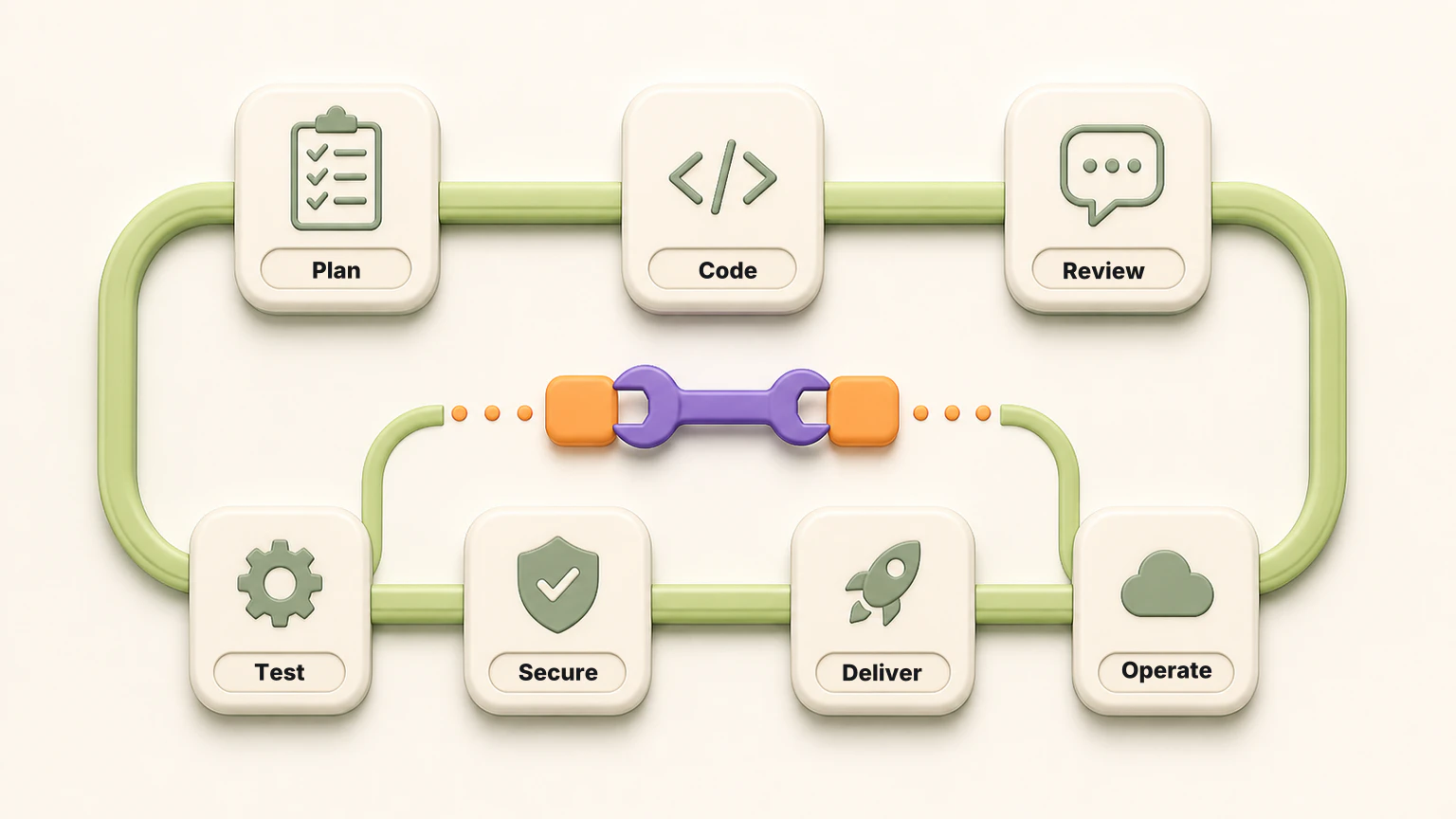
Developer productivity tools reduce friction across planning, coding, codebase understanding, review, testing, delivery, security, production debugging, and API collaboration. The right choice depends on where work slows down, where rework appears, and whether a new tool removes more effort than it creates.
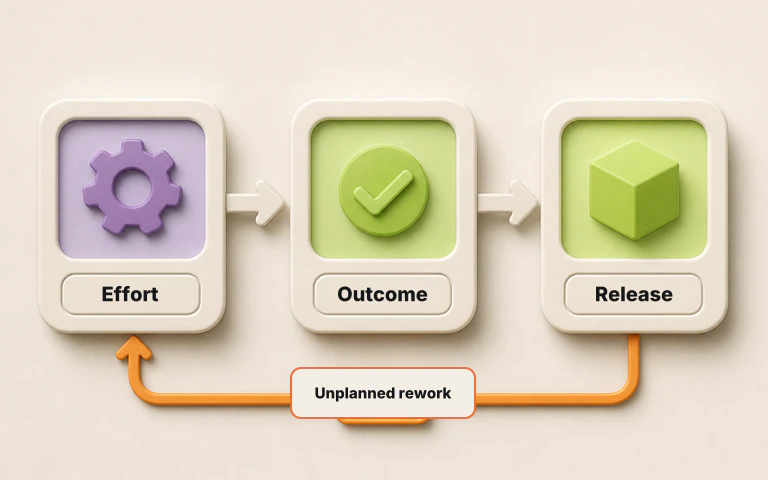
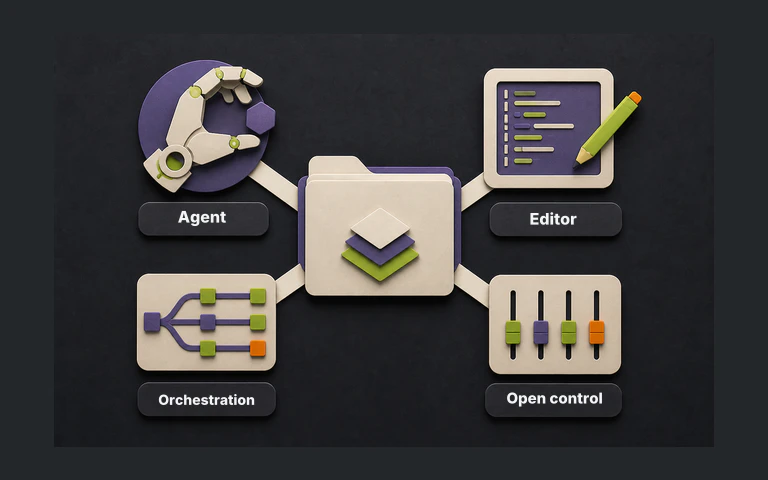
That matters more now because AI coding agents changed where productivity breaks down. If Claude Code, Codex, Cursor, or Copilot can produce more code in less time, the next constraint is not always writing. It is knowing whether the work is correct, secure, reviewable, and safe enough to release.
This guide compares 12 representative developer productivity tools by the job they do. It is a research-based shortlist built from current product documentation, not a hands-on benchmark or universal ranking. A team with slow implementation work needs a different tool than a team drowning in pull requests, flaky browser tests, or production incidents.
Developer tools by workflow
| Workflow bottleneck | Tool to evaluate | Why it fits |
|---|---|---|
| Agentic implementation | Claude Code | Agentic coding across terminal, IDE, desktop, and browser |
| Local coding agent | Codex | Local coding agent for inspecting, editing, and validating code |
| AI-native editor | Cursor | Editor built around codebase-aware agents and project rules |
| IDE assistant and GitHub workflow | GitHub Copilot | Broad IDE, GitHub, and pull-request assistance |
| Codebase understanding | Sourcegraph | Search and context for large, complex codebases |
| AI pull-request review | Greptile | Repository-aware code review agent |
| Product planning | Linear | Fast issue, project, and product workflow management |
| CI and workflow automation | GitHub Actions | Repository-native build, test, and deployment automation |
| Browser test automation | Playwright | Cross-browser end-to-end testing locally and in CI |
| Code security | Snyk Code | Developer-first code security scanning |
| Production debugging | Sentry | Error monitoring and code-level failure context |
| API collaboration | Postman | API design, testing, documentation, and collaboration |
How we selected the list
We selected tools that solve recurring engineering bottlenecks rather than tools that all do the same job. Each product had to have active documentation checked on August 30, 2026, a clear developer workflow, and a distinct place in a modern software delivery system.
The categories matter. A coding agent and an observability platform can both improve productivity, but they do it at different points in the loop. A planning tool can reduce coordination drag. A test framework can shorten browser-testing feedback. A CI system can remove manual release steps. Comparing those as if they were interchangeable would be misleading.
We evaluated the shortlist on seven questions:
- Bottleneck fit. What specific job does the tool improve?
- Workflow fit. Where does it run, and how much process change does adoption require?
- Feedback quality. Does it produce useful evidence or merely more output?
- Context switching. Does it consolidate work or add another disconnected surface?
- Quality and rework. Can it reduce avoidable correction, debugging, or repeated work?
- Governance. Can a team control access, permissions, policies, and operating boundaries?
- Maintenance cost. What setup, tuning, and ongoing ownership does it add?
This method does not produce a universal winner. It produces a defensible shortlist for teams to test against their own bottleneck. We did not compare prices because plans and usage limits change faster than the underlying jobs. Check current vendor pricing before buying.
The article also separates output from productivity. More code is not automatically more productive if review queues grow, rework increases, security findings arrive late, or production debugging consumes the time the team thought it had saved. For that measurement question, see developer productivity metrics that matter in 2026.
The 12-tool shortlist
Claude Code
Claude Code is Anthropic’s agentic coding tool for terminal, IDE, desktop, and browser workflows. It can inspect a codebase, edit files, run commands, and work with tools such as Git and MCP servers.
Best for: Repository-level implementation tasks, migrations, bug fixes, and developer workflows where a terminal agent can run checks directly.
Watch for: Treat agent output as proposed work. The productivity gain depends on the task brief, repository context, permissions, tests, and review discipline.
Codex
Codex is OpenAI’s local coding agent. It runs on a developer machine, reads the repository, edits files, and executes commands from natural-language instructions.
Best for: Codebase inspection, scoped implementation, local validation, and tasks where the developer wants to keep the agent close to the working tree.
Watch for: Codex is most useful when the repo has clear instructions, deterministic checks, and a human who reviews the final diff before release.
Cursor
Cursor is an AI-native editor with agent, rules, MCP, skills, and CLI support. It is built for developers who want codebase-aware assistance inside the editor.
Best for: Interactive development, feature work, refactoring, codebase navigation, and teams that want AI assistance directly in the editing environment.
Watch for: Editor agents need current project rules. Without maintained instructions, the agent can move fast in the wrong direction.
GitHub Copilot
GitHub Copilot spans IDE assistance, chat, pull-request review, and GitHub-native agent workflows. Its advantage is reach across the tools many engineering teams already use.
Best for: Teams standardized on GitHub that want AI assistance across coding, review, issue work, and pull-request workflows.
Watch for: Copilot is broad. Evaluate the specific surface you need, such as IDE completion, code review, or coding-agent work, rather than assuming one score applies to all of it.
Sourcegraph
Sourcegraph combines code search, navigation, code intelligence, and tools for large-scale code changes. Its core value is giving developers context across complex repositories.
Best for: Large organizations, monorepos, multi-repo systems, and teams where finding the right code is a productivity problem by itself.
Watch for: Code search and context are foundations, not a replacement for review, testing, release verification, or production monitoring.
Greptile
Greptile is an AI code-review agent that reviews pull requests with repository context. It is designed to find issues that a diff-only review can miss.
Best for: Teams with pull-request review bottlenecks, especially when reviewers need help applying repository-specific context.
Watch for: AI code review checks whether a proposed change looks correct. It is not the same as release verification across existing product behavior. For that distinction, read AI code review best practices.
Linear
Linear is a product-development system for issues, projects, roadmaps, documents, and GitHub automation.
Best for: Product and engineering teams that want fast issue tracking, clear prioritization, and tight connections between planning and code.
Watch for: A faster issue tracker helps only when the team also keeps decisions, scope, and ownership clear.
GitHub Actions
GitHub Actions automates software workflows in the repository, including CI, tests, deployments, and custom automation.
Best for: Teams that want repository-native automation for build, test, validation, release, and operational workflows.
Watch for: CI is only as useful as the checks it runs. A fast pipeline with shallow evidence can make a risky release look clean.
Playwright
Playwright is an end-to-end test framework for modern web applications. It supports Chromium, WebKit, and Firefox across Windows, Linux, and macOS, locally or in CI.
Best for: Web teams that need repeatable browser-level tests, cross-browser coverage, trace-based debugging, and CI execution.
Watch for: Playwright verifies the scenarios a team encodes. Poorly scoped end-to-end suites can become slow or expensive to maintain, and a passing suite does not prove that every affected behavior was tested.
Snyk Code
Snyk Code is a developer-first static application security testing product. It scans code for vulnerabilities and brings remediation guidance into developer workflows.
Best for: Teams that want security feedback closer to the developer, before a vulnerability becomes a late release or production issue.
Watch for: Security scanning should be part of the delivery workflow, not a disconnected gate that developers learn to avoid.
Sentry
Sentry gives developers error monitoring, stack traces, breadcrumbs, release health, and code-level context for production failures.
Best for: Teams that need to reduce time spent reproducing and debugging production issues.
Watch for: Observability tells you what happened after software ran. It complements pre-release checks, but it does not prove a release is safe before users see it.
Postman
Postman is an API platform for designing, testing, documenting, distributing, and monitoring APIs. It helps teams coordinate API producers and consumers.
Best for: API-heavy teams that need shared collections, documentation, tests, and collaboration around service contracts.
Watch for: API collaboration improves handoff quality, but teams still need clear contract ownership and release evidence when dependent services change.
How to choose the right tool
Start with the constraint in your workflow:
- If implementation is slow, evaluate coding agents and AI-native editors.
- If engineers cannot find the right code, evaluate code search and codebase-context tools.
- If pull requests wait too long, evaluate AI code review.
- If browser behavior needs repeatable evidence, evaluate end-to-end testing.
- If security findings arrive late, evaluate developer-first security scanning.
- If production debugging consumes the team, evaluate observability and error monitoring.
- If API changes create coordination drag, evaluate API collaboration tools.
- If delivery work is manual, evaluate CI and workflow automation.
Then run a real evaluation. Use one repository, one representative workflow, and one release or feature that matters. Measure time saved, context switches removed, review burden added, evidence produced, rework avoided, and the governance needed to operate the tool. A productivity tool that creates more review debt has not improved productivity.
What to avoid
Avoid buying tools by category label alone. “AI developer tool” can mean autocomplete, a coding agent, code search, code review, test creation, release verification, security scanning, incident triage, or observability. Those are different jobs.
Avoid measuring only activity. More commits, more pull requests, and more generated code do not prove better productivity. A better measure includes quality, rework, release reliability, flow, and developer experience.
Avoid a stack where every tool optimizes a different local metric. The goal is not to make each step look faster in isolation. The goal is to help the team ship useful software with less avoidable rework.
The practical stack
For many teams, a practical 2026 starting stack might look like this:
- Linear for planning and ownership.
- Claude Code, Codex, Cursor, or GitHub Copilot for implementation.
- Sourcegraph for codebase understanding.
- Greptile or Copilot code review for pull-request feedback.
- GitHub Actions for repeatable checks and release automation.
- Playwright for browser-level test automation.
- Snyk for code security.
- Sentry for production error context.
- Postman for API collaboration.
That is still too many tools for some teams. The right answer is not to install all 12. The right answer is to identify the part of the delivery loop where work slows down, quality drops, or rework appears, then choose the smallest tool stack that improves that constraint.
FAQ
What are developer productivity tools?
Developer productivity tools help engineering teams plan, write, review, test, secure, release, and operate software with less wasted work. The category includes coding agents, AI editors, codebase search, code review, release verification, CI, security, observability, planning, and API collaboration.
What is the best developer productivity tool?
There is no single best developer productivity tool for every team. Claude Code, Codex, Cursor, GitHub Copilot, Sourcegraph, Greptile, Linear, GitHub Actions, Playwright, Snyk Code, Sentry, and Postman each solve a different productivity bottleneck.
Are AI coding tools enough?
No. AI coding tools can speed up implementation, but they do not cover the whole delivery system. Teams still need planning, review, security, test evidence, release verification, and production feedback.
How should teams choose developer productivity tools?
Start with the bottleneck. Choose coding agents when implementation is slow, code review tools when pull requests wait too long, testing tools when browser behavior needs repeatable evidence, CI when manual checks slow releases, and observability when production debugging consumes the team.