Pydantic AI: From Finding to Fix PR
The bug
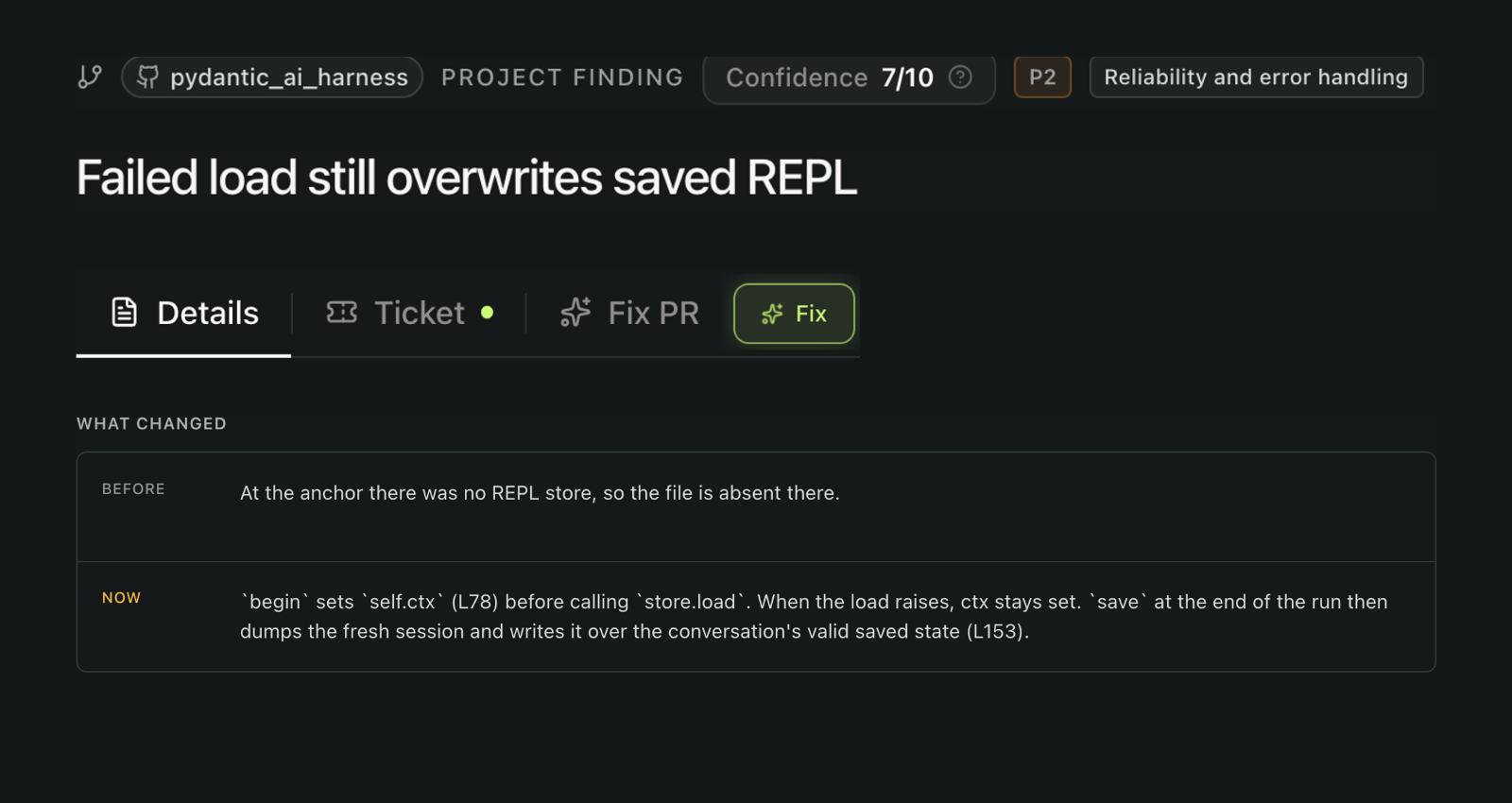
When loading failed, the agent continued with a fresh session. Saving it could overwrite the conversation's valid state.
The proposed repair
The proposed change skips saving after a failed load, except after an explicit restart. It adds a state-preservation test and updates the documentation.

Step 1
Find the bug
Spot the finding, inspect its evidence, then initiate a fix.
Step 2
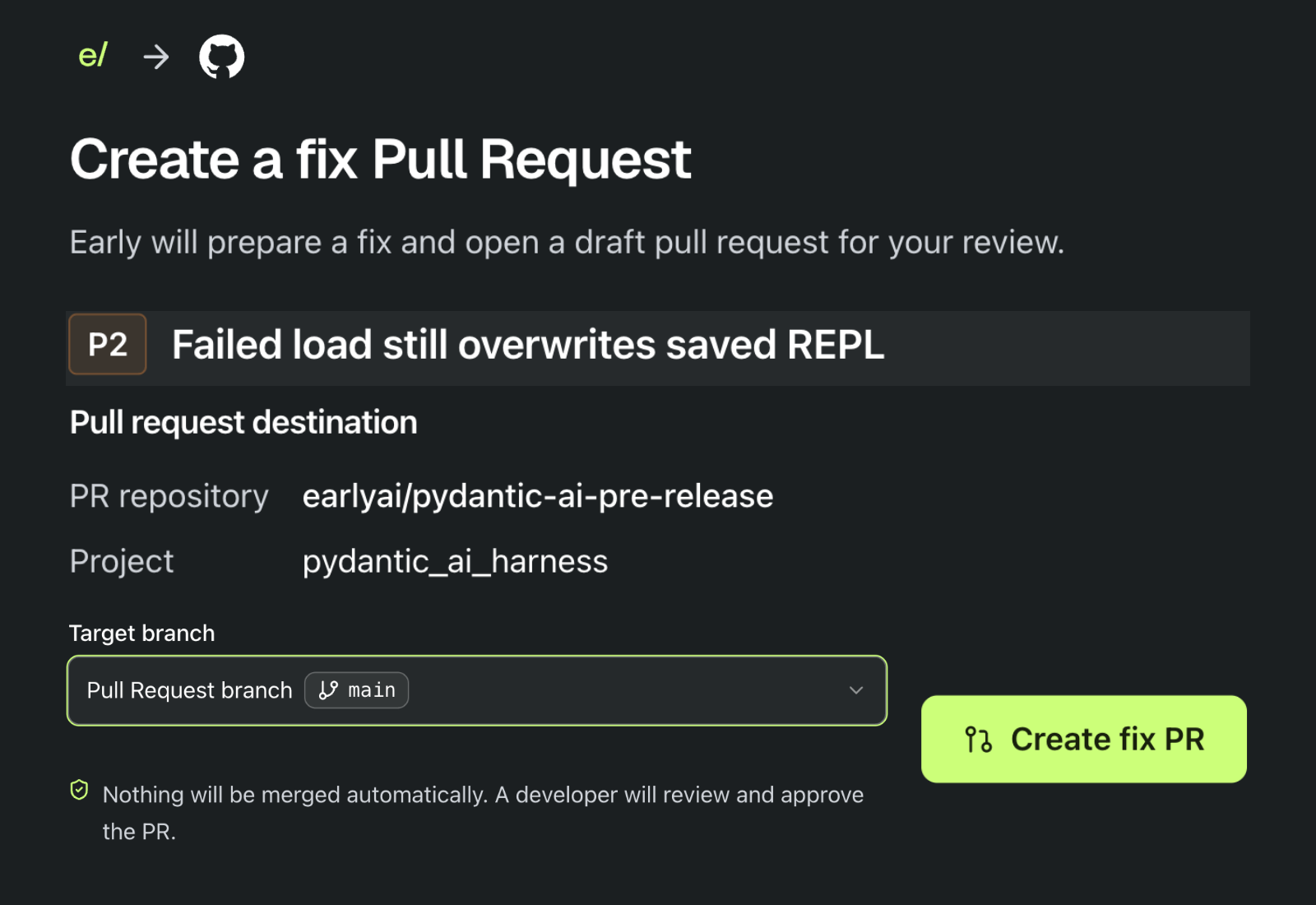
Create the Fix PR
The user confirms the repository and target branch before initiating the repair.
Step 3
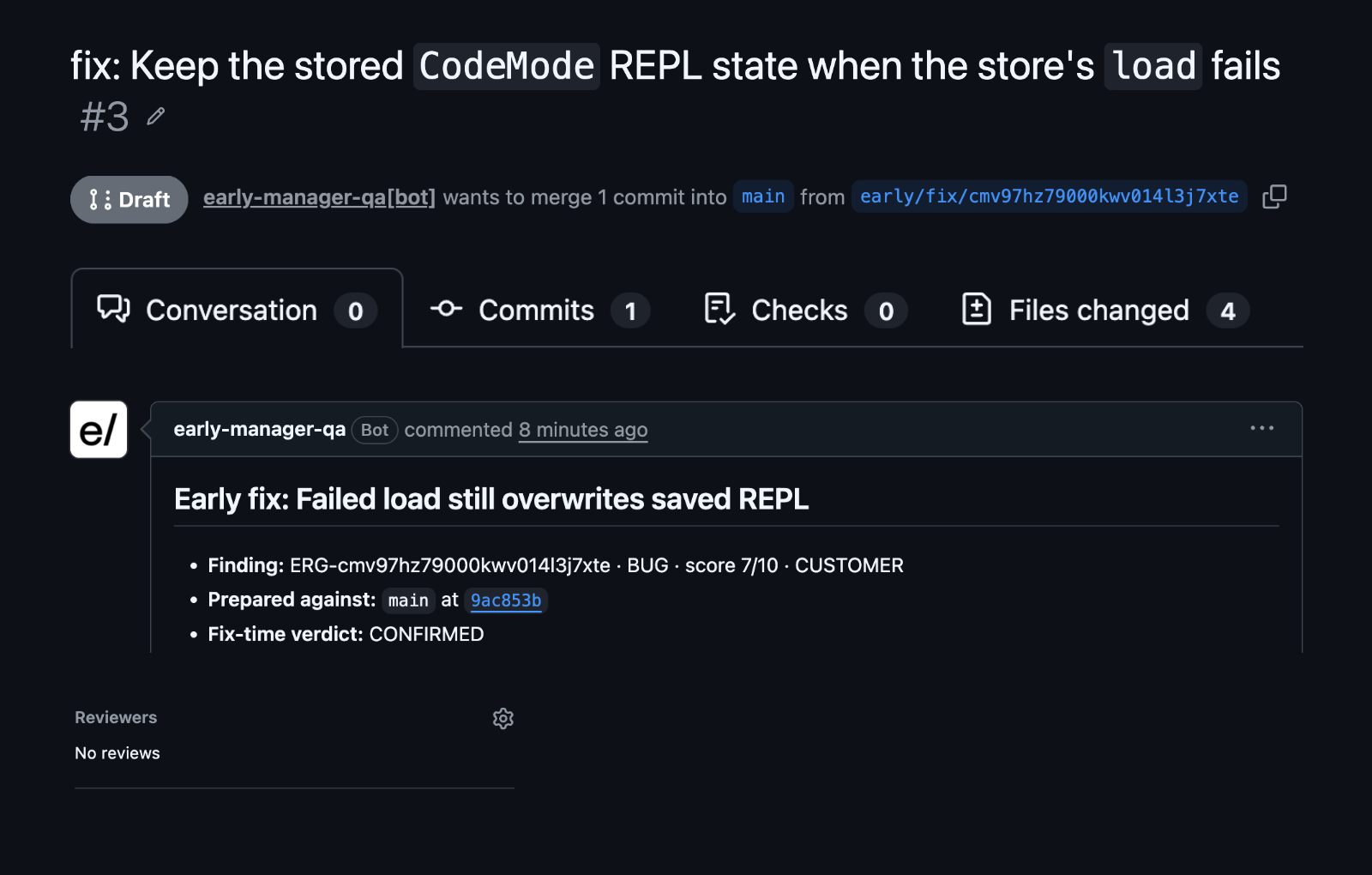
Review the draft PR
Early opens draft PR #3 with the proposed code change, test, and repair explanation. Engineering controls the merge.
Step 4
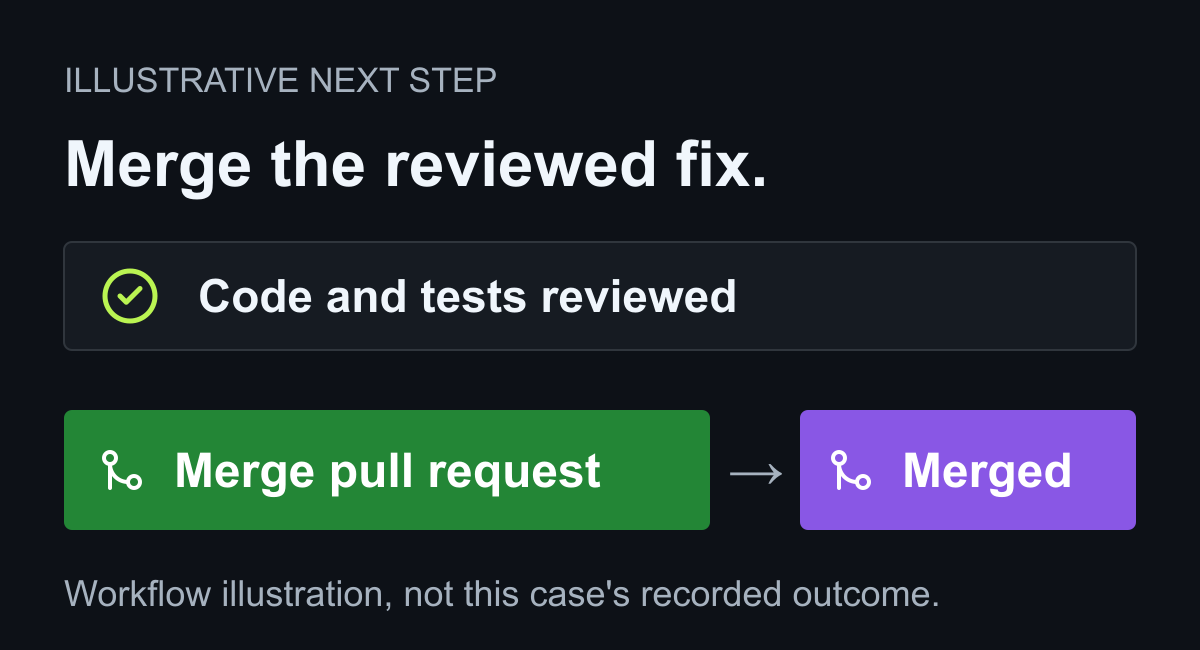
Illustrative next step
Review and merge the PR
Engineering reviews the proposed code and tests, then merges the approved fix. This illustrates the next step, not this case's current outcome: PR #3 is still a draft.
Primary evidence
Follow the evidence.
- Fix PR createdWith a test
 Early Found a Credential Leak. Pydantic Shipped the Fix.
- Historical replayFix PR generated
 PHP2Shell backtrace defect
- 3 releases247 hours to fix
 Mastra output processor regression
- 1 release~18 hours to fix
 Rspack CommonJS export regression
- 1 release~20 hours to fix
 Conan no-op replacement regression
- 3 releases12 days to fix
 Hono form parsing regression