Early Release Guard
Monitor your runs
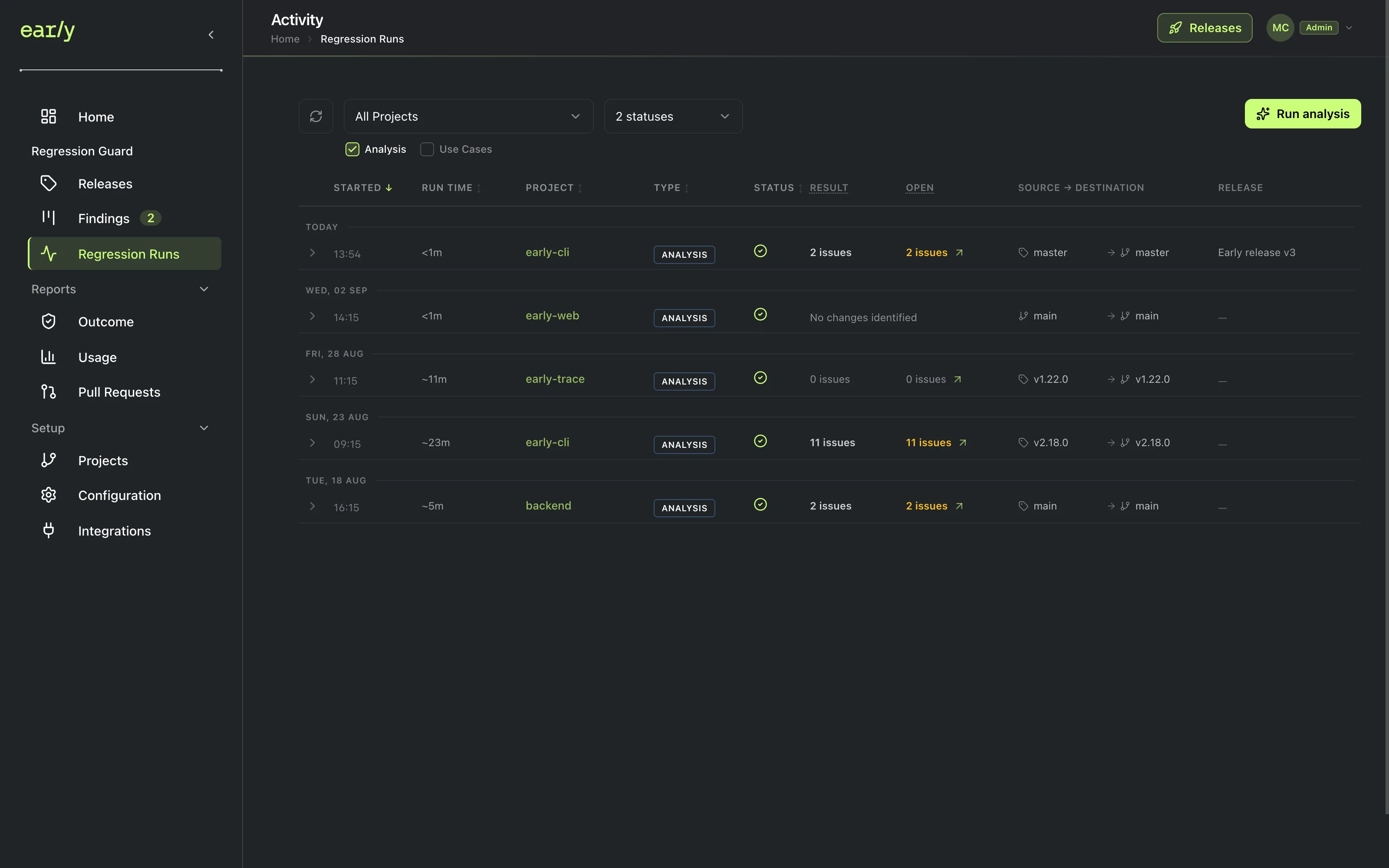
Regression Runs, in the left sidebar, lists every analysis your team has run. This includes runs in progress and finished runs across every project and release.
What this does
Regression Runs is where every analysis your team has ever run lives, not just the one you just started.
Prerequisites
An analysis run in progress.
Steps
- Open Regression Runs from the sidebar.
- Open any run, whether it is in progress or already finished, to see it in detail.
What you can do here
- Monitor progress on a run that’s still in flight.
- Browse history. Every past run stays listed, grouped by date, across every project and release, not only the release candidate you’re currently working on.
- Review results by opening any row, including how many issues it turned up.