Early Release Guard
Invite your team
Invites aren't a step you finish once. Add a teammate any time your team changes, such as when someone joins, changes role, or needs to see a specific project's results.
What this does
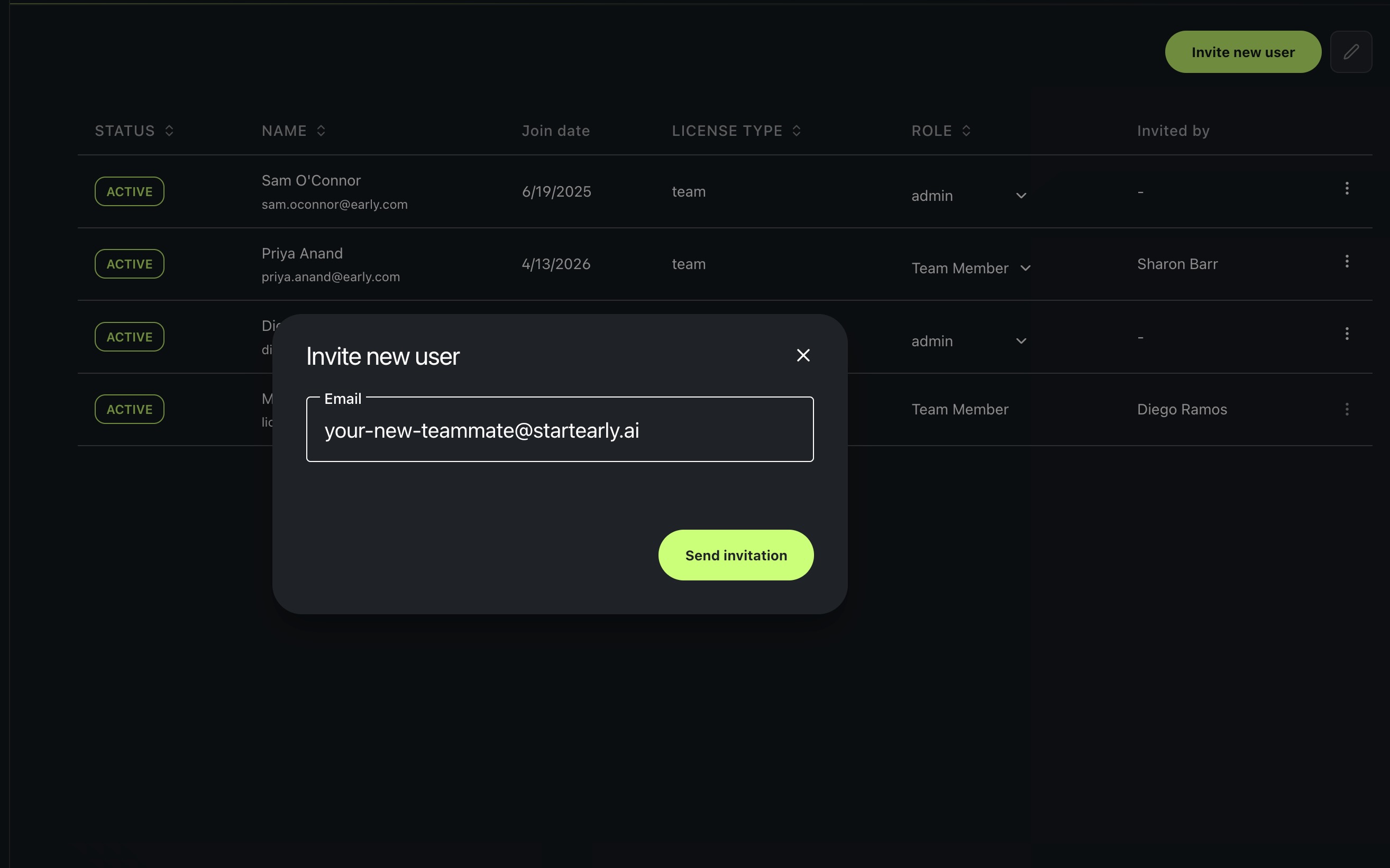
Adds a teammate to your team. They get an emailed link that signs them in (or creates their account if they’re new) and adds them to the team automatically. There’s no separate step to accept beyond following the link.
Prerequisites
A team (create one first if you haven’t).
Steps
- Open Team settings.
- Invite a teammate by email.
Roles
Every teammate has one of two roles:
- Admin can manage the team: invite new teammates, change a member’s role, and remove members.
- Team Member has access to all team resources, including the GitHub connection, projects, releases, and results, but can’t manage the team itself.
When to use this
Unlike the other Getting Started steps, this one has no finish line. There’s no state that means “done.” Invite whenever your team changes: when someone joins, changes role, or needs to see a specific project’s results. Come back to this page any time, not just during initial setup.